
Buying guides

Camcorders
Our guide helps you to choose a camcorder, whether you want a compact, durable model for action shoots or one with plenty of family-friendly features.
Types of camcorder
Choose your new camcorder based on the situations in which you’ll use it most
HD Cameras
If you’re after a great all-rounder, an HD (high-definition) camcorder could be for you. Full HD is the minimum standard on most cameras now, offering full colour and vivid images – meanwhile, higher end camcorders have impressive 4K HD functionality.
If you want to…
- Make family movies or enjoy film-making as a hobby
- Record in the best possible sound and picture quality
- Future proof your camcorder
- Have tech that’s easy to use with the flexibility of manual settings
Then consider HD camcorders because they…
- Incorporate 4K HD to keep up with developing TV technology
- Are light and portable, with many being handheld
- Are flexible and versatile with plenty of settings to explore
Things to consider:
- High-end 4K HD sits at the top end of the price range
- Not as rugged as action cams

Action cameras
On the move? Action cameras are ideal for sports, while dashboard cameras make a handy addition to cars and vans.
If you want to…
- Capture sports or high-octane hobbies
- Record journeys as a cyclist
- Film car journeys for insurance purposes
Then consider action and dashboard cameras because they’re...
- Lightweight, durable and compact
- Often waterproof or weather-resistant
- Simple to use, with fewer manual settings
- Designed to capture energetic pursuits and action-packed moments
- Easy to attach to helmets, bikes and vehicles
- Most film in high-definition
Things to consider:
- Often they have no optical zoom
- You need to use them with a smart device

Drone cameras
You can fly or drive drone cameras, allowing you to capture footage you never thought possible without a professional film crew and equipment – and on a fraction of the budget.
If you want to…
- Shoot aerial footage
- Capture speedy and manoeuvrable filming
- Film impressive pro-style shots
Then consider a drone camera, because they…
- Fly, are speedy and can be easily manoeuvred from smartphones and tablets
- Capture more detail with high quality optical zoom
- Record moments in high definition
Things to consider:
- Regulations – there are rules about flying in congested areas for example - find out more
- Privacy is also an issue when flying a drone
- Not suited to many everyday filming scenarios
- Fewer manual settings

Virtual Reality or 3D Cameras
Virtual reality (VR) has developed significantly in the last year. Use VR and 3D cameras to create a 360-degree film, then put on your VR headset and experience memories all over again
If you want to...
- Film futuristic and immersive footage
- Record in 360-degrees
- Shoot high-quality movies
Then consider VR cameras, because they...
- Specialise in 360-degree filming technology
- Can be attached to surfaces for smooth and portable filming
- Film in full HD
Things to consider:
- You’ll need a compatible VR headset
- For 3D filming, you'll need a 3D-compatible viewing platform
- Emerging technology means fewer products to choose from


Features
Find out which specialist technology suits your audio needs
Audio Dubbing
Add your own commentary or soundtrack to footage
AE (Auto Exposure) modes
AE modes are tailor-made for different conditions such as Sports, Sunset, Landscape and Portrait with shutter speed, exposure and focus adjusted automatically. Some camcorders also have manual overrides for extra creative control
CCD
Stands for Charged Couple Device: it's the light-sensitive chip in a digital camcorder used to store images. It uses an optical sensor to convert light into electronic signals for high-quality still pictures
Compression
The process that shrinks file size, so more data can be stored on a memory card. Compression makes for speedier saving and downloading of footage, and also means it is easier to email them. Because compression results in a small amount of data loss, it’s best to buy a camcorder which takes uncompressed data if you want only the sharpest possible results
Digital zoom
This zooms by cropping in-camera: if you'll be zooming a lot, consider a camcorder with a powerful optical zoom (see Optical Zoom below)
DV Terminal
Directly connect your camcorder to your PC for picture editing and processing
FireWire 800
A fast method of file transfer. Both your camcorder and PC must have FireWire ports in order to transfer footage
GPS
With GPS you can geotag clips and stills during your adventures, making it easy to remember where every moment happened
H.264
A type of compression used to store high definition video
Hot shoe
A device that allows you to attach an external flash unit
Image stabilisation
Compensates for hand movements causing camera shake or processes the image to help keep the picture steady. A digital image stabiliser provides an adequate amount of stabilisation, while top-of-the-range camcorders use a more sophisticated optical stabilising lens
Manual focus
Essential for situations when auto-focus can't cope, such as shooting through a window, when an image lacks detail or when you want to concentrate on something closer to the lens than the main subject
Night vision
Many camcorders allow you to film even in total darkness by using infrared light to produce footage taken at night
JPEG files
The file format used to store compressed still images
LCD (Liquid Crystal Display) screen
This is a larger screen for viewing images and choosing settings
Long play
Three times longer than standard, e.g. 4 hours of footage on an 80 minute tape
Macro
Using macro settings you can get close-up shots in complete clarity
Megapixels (MP)
The greater the number of pixels, the better quality imagery you’ll get – more megapixels also means the file size will be larger
Memory card
Memory sticks, MMC (Multimedia cards), SD (Secure Digital) and SDHC (Secure Digital High Capacity) cards are all types of memory card. SDHC cards have a greater storage capacity over regular SD cards. Memory cards offer extra space for footage, and make it easy to transfer images and videos from your camcorder to your computer for editing and sharing
Memory card slot
A slot in the camera where you put the memory card
MPEG files
MPEG stands for Moving Pictures Experts Group, and is the file format used to store compressed video
Optical zoom
Digital zoom works by enlarging the central 50% of the image, while optical zoom actually moves the camera lens to magnify the image, for high-quality zooming
Special effects
These can enhance footage to really capture the moment, and can include mirrorball, strobe light, black and white, sepia, slim and stretch modes. They can be seen on the LCD monitor or through the viewfinder as you record, although some effects can be added into the playback or while editing
Wireless capabilities
Many camcorders can now connect with your smartphone or tablet, allowing you to adjust exposure, take snaps and frame shots remotely on their screens
Zoom
There are 2 types of zoom: optical and digital. See details in this glossary for more details on each
Accessories
Find out which specialist technology suits your audio needs
What's in the box?
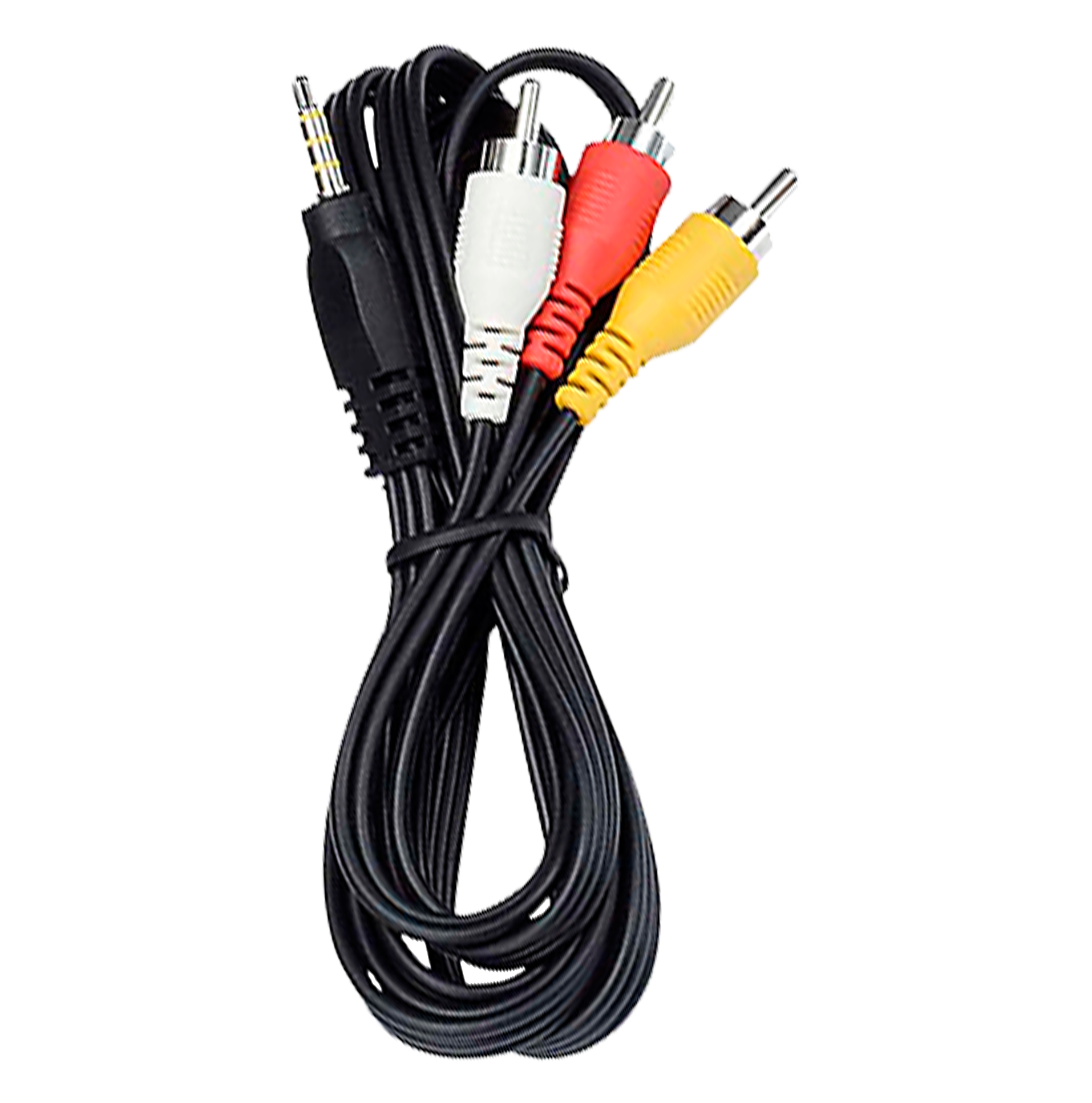
A manual, AC adaptor and cables for PC or Mac connection.
A hand strap is often supplied, along with a manufacturer's own-brand editing software
Carry cases
A manual, AC adaptor and cables for PC or Mac connection.
A hand strap is often supplied, along with a manufacturer's own-brand editing software

Memory cards
Most camcorders have a memory card slot, so it's worth investing in a memory card so you always have enough room to capture special moments

Guarantee
We offer a 2-year guarantee on all camcorders. You can also buy Added Care, which gives you 2 years of cover against accidental damage